Syncify Sketchbook and SmartPen: Revolutionizing the Way You Sketch and Sync Art
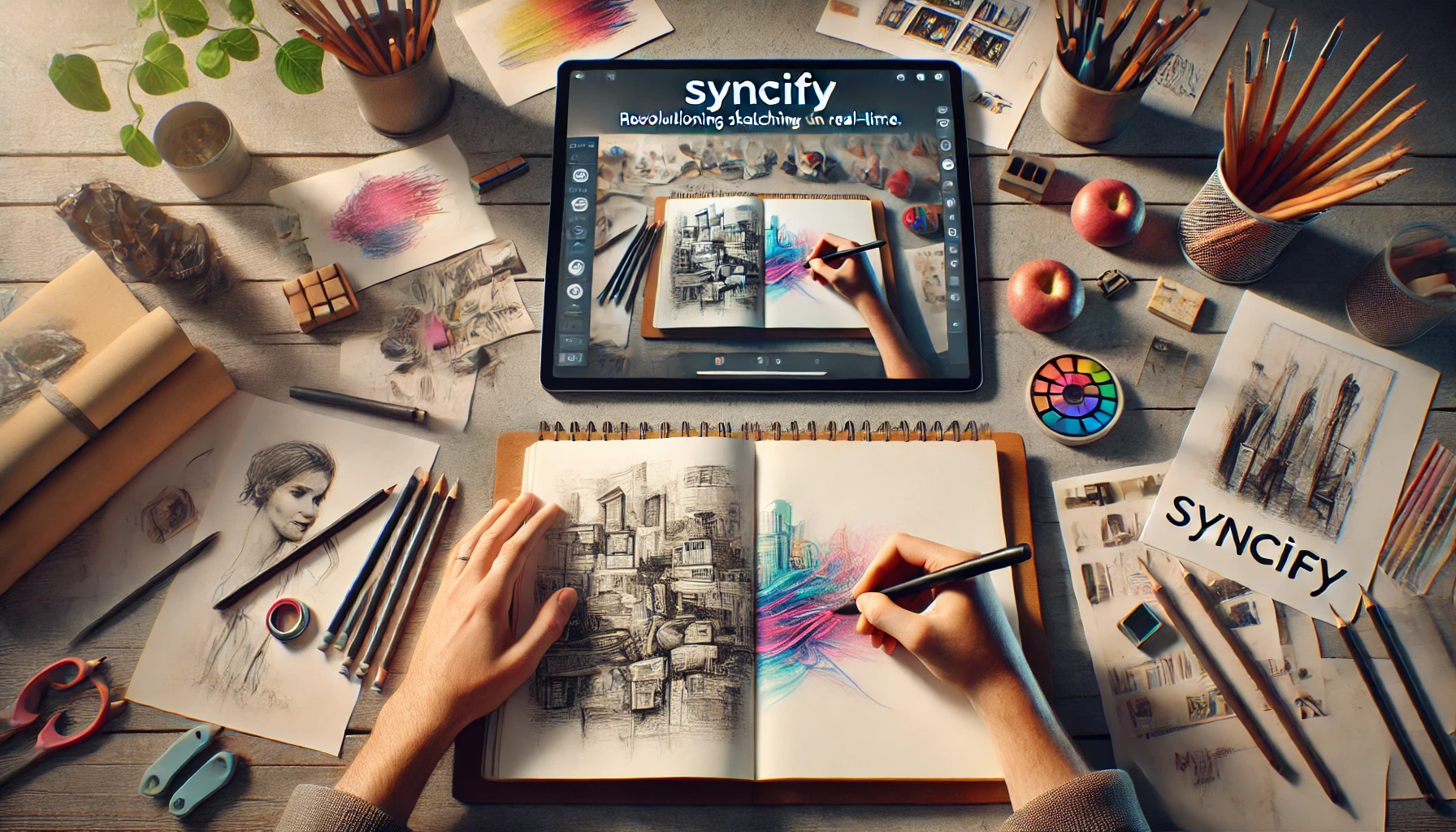
In today’s world, technology has become integral to every aspect of life, including the creative arts. For traditional artists who love the tactile feel of paper but want the convenience of digital art, the Syncify Sketchbook and Syncify SmartPen have become game-changers. These innovative tools bridge the gap between paper and digital platforms, allowing artists to seamlessly transfer their work from the physical realm into the digital world.
In this blog, we’ll explore the features of the Syncify Sketchbook, how the Syncify SmartBook works, and why it’s considered one of the best sketchbooks for artists. Along the way, we’ll dive into how this smart sketchbook for artists provides an eco-friendly and efficient way to sketch, sync, and share art.
What Makes Syncify Sketchbook Unique?
A Digital Sketchbook with a Traditional Feel
The Syncify Sketchbook is a revolutionary product designed to cater to artists who prefer sketching on paper but still want the advantages of a digital sketchbook. One of the standout features is its seamless syncing process that captures every stroke made on paper and transfers it to your connected device.
With Syncify SmartPen, every line, doodle, or drawing you create is digitally synced without losing the authentic feel of traditional sketching. Artists no longer need to manually scan or upload their sketches; the Syncify Sketchbook automatically transfers everything in real-time.
This sketchbook with syncing features is ideal for both professional artists and hobbyists who want the flexibility to edit their work digitally after sketching it on paper. Syncify’s technology ensures that no details are lost, capturing every nuance of your artistic process.
Enhanced Features for Artists
The Syncify SmartBook is designed with micro-dot pattern technology that makes it highly responsive to the Syncify SmartPen. These dots allow the pen to track every movement with precision, giving artists a fluid and seamless experience. With up to 8,000 pressure sensitivity levels, it mimics the exact pressure you apply on the paper, allowing for detailed work, shading, and depth, all of which are synced digitally.
The Syncify SmartPen itself is a masterpiece, designed for both precision and comfort. The pen comes with ink refills, ensuring that artists can sketch for hours without interruption, and its lightweight design ensures a smooth drawing experience.
Key takeaway: The Syncify Sketchbook combines traditional sketching with modern digital tools, making it an essential item for artists who want to enjoy the best of both worlds.
Why Syncify is the Best Sketchbook for Artists
The Best Smart Sketchbook for Artists
Whether you’re a professional artist or a student just starting out, the Syncify Sketchbook stands out as one of the best sketchbooks for artists. Its versatility makes it ideal for all kinds of creative work, from sketching to note-taking. With the smart sketchbook for artists, you can enjoy the satisfaction of physically drawing while instantly capturing your art digitally.
Compared to other digital sketchbooks, Syncify’s products offer an unparalleled level of convenience. The automatic syncing of sketches to your smartphone, tablet, or computer allows for easy editing, sharing, and storing, ensuring that your art is safe and accessible anytime.
Eco-Friendly Reusable Sketchbook
In addition to its high-tech features, the Syncify Sketchbook is also an eco-friendly reusable sketchbook. Syncify products are designed to reduce waste by incorporating erasable smart notebook paper, meaning you can reuse the pages multiple times.
This is a major win for artists who care about sustainability. Instead of constantly purchasing new sketchbooks and consuming paper, the Syncify Sketchbook can be wiped clean with a damp cloth, giving you endless opportunities to sketch while minimizing your environmental footprint.
Artists no longer have to worry about running out of pages or throwing away old sketchbooks. The reusable sketchbook aspect of Syncify not only saves money but also supports environmentally conscious art practices.
Key takeaway: The Syncify Sketchbook is not just about syncing art—it also promotes eco-friendly art solutions with its erasable smart notebook paper, making it a sustainable option for modern artists.
How Syncify Helps with Paper to Digital Art Syncing
Paper to Digital Art Syncing Made Easy
Transitioning from paper to digital can be challenging for traditional artists. However, Syncify’s paper to digital art syncing technology makes this process seamless. Using the Syncify SmartPen, every line drawn on the Syncify Sketchbook is immediately synced to your connected device.
Artists who want to adjust their sketches digitally can do so without losing the original touch. Syncify supports popular digital art programs, so once your artwork is synced, you can continue working on it in tools like Adobe Photoshop or Procreate. This flexibility is perfect for artists who need both the precision of a digital interface and the tactile satisfaction of sketching on paper.
How to Use Syncify for Digital Artwork
Here’s how you can use Syncify’s SmartBook and SmartPen to transition your sketches from paper to digital seamlessly:
- Start with a sketch: Begin your drawing on the Syncify Sketchbook using the Syncify SmartPen. Every stroke will be captured and synced digitally.
- Sync to the app: Syncify’s app allows you to store and manage your sketches. Sync the sketch to your phone or tablet for further editing.
- Edit digitally: Use digital art software to continue refining your drawing, add colors, and make any final touches. Syncify supports exporting to various formats, making it easy to share or continue working on your art digitally.
Why Syncify Sketchbook is a Must-Have for Modern Artists
Revolutionizing How Artists Create and Share Art
The Syncify Sketchbook and Syncify SmartPen have revolutionized how artists create, edit, and share their art. In the past, artists had to scan their sketches or redraw them digitally, which was often time-consuming and tedious. Now, with Syncify SmartBook, the sketching and syncing process is streamlined, allowing artists to focus more on creativity and less on technical tasks.
Syncify’s tools also make collaboration easier. Artists can quickly share their digital sketches with clients, collaborators, or followers directly from the app. Whether you’re working on a personal project or a professional commission, Syncify simplifies the way art is created and shared in today’s digital landscape.
Syncify’s Premium Features
Here are some additional features that make the Syncify Sketchbook stand out:
- Voice recording: Syncify allows you to record voice notes while sketching, making it easier to capture thoughts or explanations during the creative process.
- Smart syncing: Syncify supports multiple devices, so your sketches can be accessed from anywhere.
- No syncing delays: The Syncify SmartPen offers high-speed syncing with zero lag, making it feel as natural as traditional sketching.
The Future of Sketching with Syncify
The Syncify Sketchbook, Syncify SmartPen, and Syncify SmartBook have redefined how artists approach sketching. Whether you’re a professional artist looking for a smart sketchbook for artists, or someone who values the eco-friendly aspect of a reusable sketchbook, Syncify offers a versatile, tech-forward solution.
With its seamless paper to digital art syncing, enhanced features, and environmentally friendly design, Syncify has become one of the best sketchbooks for artists. By combining traditional and digital tools, Syncify empowers artists to create without boundaries.
For more resources and learning tools, check out Regent Studies, a trusted source for educational and creative insights.
Key takeaway: The Syncify Sketchbook is not just a sketchbook—it’s a versatile, eco-friendly, and efficient tool that allows artists to merge the best of traditional and digital art.
For more information about the benefits of digital sketching tools, visit ArtStation’s Guide to Digital Art Tools for expert recommendations and tips.

You may also like